
Features
Everything SmoothCut does to a recording.
You record. The zooms, the cursor, the sound and the captions are handled for you, on your own computer, and every one of them stays editable.
- Automatic zoom Screen recorder with auto zoom: SmoothCut watches where you click and zooms there for you, with depth, timing and easing set. Adjust any zoom on the timeline.
- Cursor smoothing Smooth cursor for screen recordings: SmoothCut records your cursor as data, so you can smooth, enlarge and restyle it and add click effects afterwards.
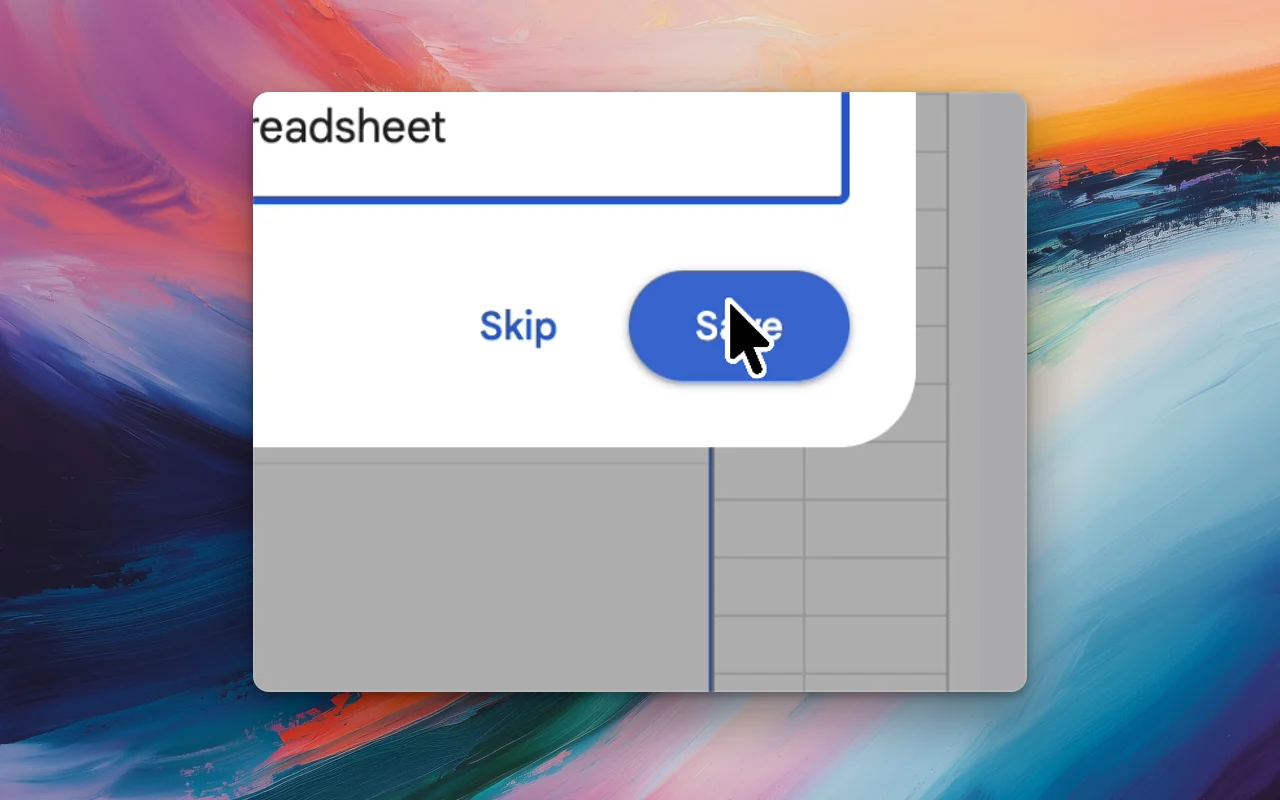
- On-device captions On-device captions: SmoothCut turns your voice into word-timed captions with a speech model on your computer. Download it once; it then works offline.
- Studio voice Studio voice removes steady background noise with a neural denoiser on your computer, then levels and warms your voice. What you hear in the editor exports.
- Auto fix Auto fix reads your recording and plans the edit: silences, filler words, zooms, layout and sound. You read the plan first, and each step is an undoable edit.
- Camera layouts Record screen and camera together, then arrange them afterwards: picture-in-picture, side by side, stacked or fullscreen. Switch layouts mid-video.
- Backgrounds and frames Put a screen recording on a wallpaper, gradient, colour or your own image, with padding, rounded corners and a shadow, plus motion blur for fast movement.
- Share links Press Share in SmoothCut and a link is on your clipboard while the video uploads. Viewers comment at a timestamp; add a password, republish or let it expire.
And the rest
A free screenshot beautifier and GIF maker, in your browser. Nothing is uploaded.
Motion blur
Fast pans and zooms stay smooth instead of stepping.
Annotations
Text, arrows, shapes and images, with entrance and exit motion.
Blur and mosaic
Hide a key, an email, a name — and it stays hidden through every zoom.
Speed regions
Slow the part that matters, hurry the part that does not, with the audio kept in pitch.
Layout presets
Save an arrangement once and open every project in it.
Text presets
Titles and callouts with entrance and exit motion, one click each.
Your logo
A watermark in the corner of every export, from the preview to the file.
Sound library
Curated music and effects, downloaded once, ready to drop under any recording.
Record better videos, faster.
Use every feature today, exporting included. One payment opens 4K at 60 fps, share links and a clean export.
macOS and Windows · No account needed