
Screen recording with audio
Your voice and the computer's sound, on separate tracks.
Recording a screen is easy. Recording it with the app's sound and your voice, at levels that work together, is where most tools let you down.
Why this is harder than it should be
On a Mac, the built-in recorder has long captured your microphone but not the sound coming out of the computer; Apple lists system audio recording only for macOS 27 and later. On anything older, a demo of something that makes noise comes out silent unless you install extra audio routing software.
And when both are captured into one track, they are stuck together: if the app was too loud under your voice, you record again.
Both, separately
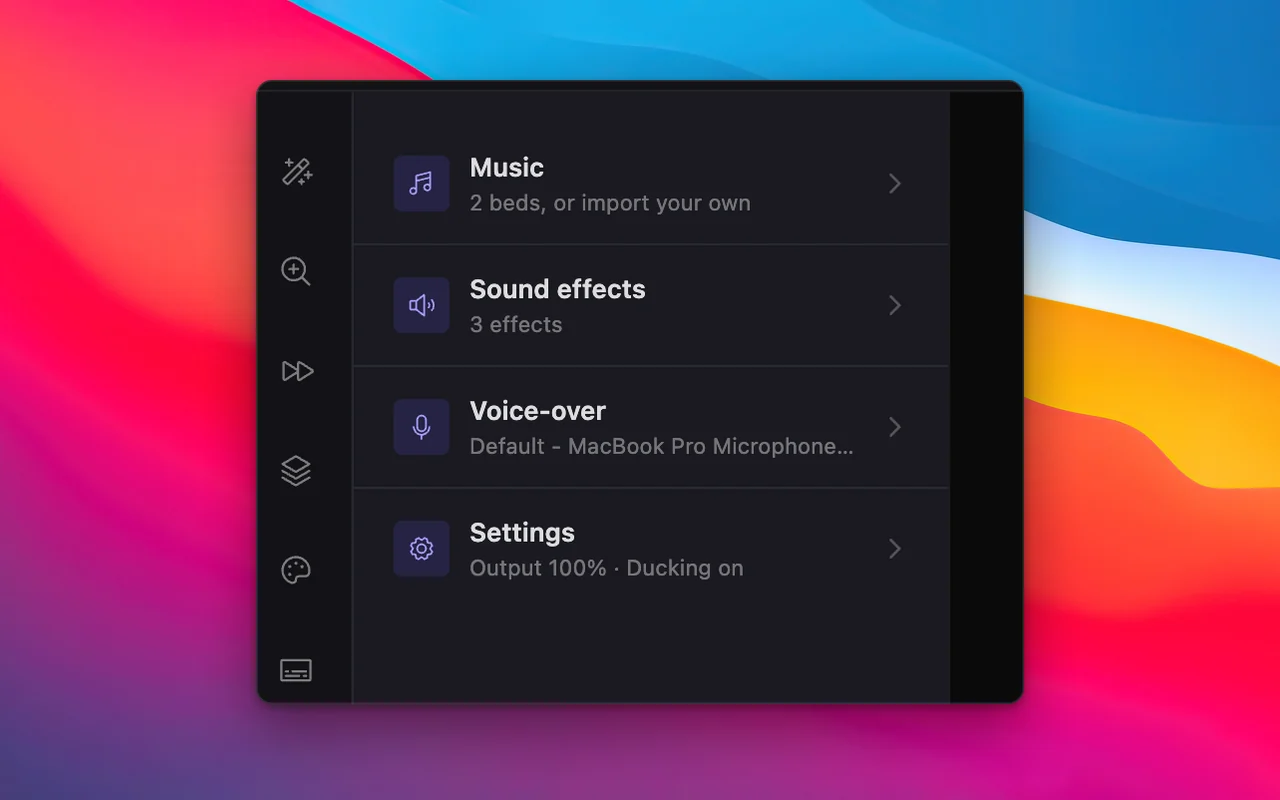
SmoothCut records the microphone and the system audio as separate tracks, each with its own level, so the balance is something you set afterwards rather than guess at the time.
Then make the voice sound good
Studio voice removes steady background noise with a neural denoiser and levels your voice, on your computer. Silences and filler words can be cut for you, music can sit underneath and dip when you speak, and a voice-over can be recorded later against the picture.
The features that matter here
What does the work
- Studio voice Studio voice removes steady background noise with a neural denoiser on your computer, then levels and warms your voice. What you hear in the editor exports.
- On-device captions On-device captions: SmoothCut turns your voice into word-timed captions with a speech model on your computer. Download it once; it then works offline.
- Auto fix Auto fix reads your recording and plans the edit: silences, filler words, zooms, layout and sound. You read the plan first, and each step is an undoable edit.
Questions
Can I record system audio on a Mac without extra software?
With SmoothCut, yes: it records the computer's sound and your microphone as separate tracks, without audio routing software.
Can I change the volume of each after recording?
Yes. The microphone and the system audio are separate tracks with their own levels.
Can I record with no microphone at all?
Yes, and you can add a voice-over afterwards while the preview plays.
Keep reading
- Studio voice Studio voice removes steady background noise with a neural denoiser on your computer, then levels and warms your voice. What you hear in the editor exports.
- Screen recorder for Mac Screen recorder for Mac: how to record with the built-in tools and with SmoothCut, which adds automatic zoom, a smooth cursor and on-device captions.
- Screen recorder for Windows Screen recorder for Windows 10 and 11: how to record with built-in tools and with SmoothCut, which adds auto zoom, a smooth cursor and on-device captions.
Record better videos, faster.
Use every feature today, exporting included. One payment opens 4K at 60 fps, share links and a clean export.
macOS and Windows · No account needed