
Export raw files
Your original recording, untouched, whenever you want it.
SmoothCut does the edit for you, but the recording is still yours. Export raw files hands you the original screen, camera and audio as separate files, so you can finish in DaVinci Resolve, Premiere or Final Cut, or just keep a clean copy.
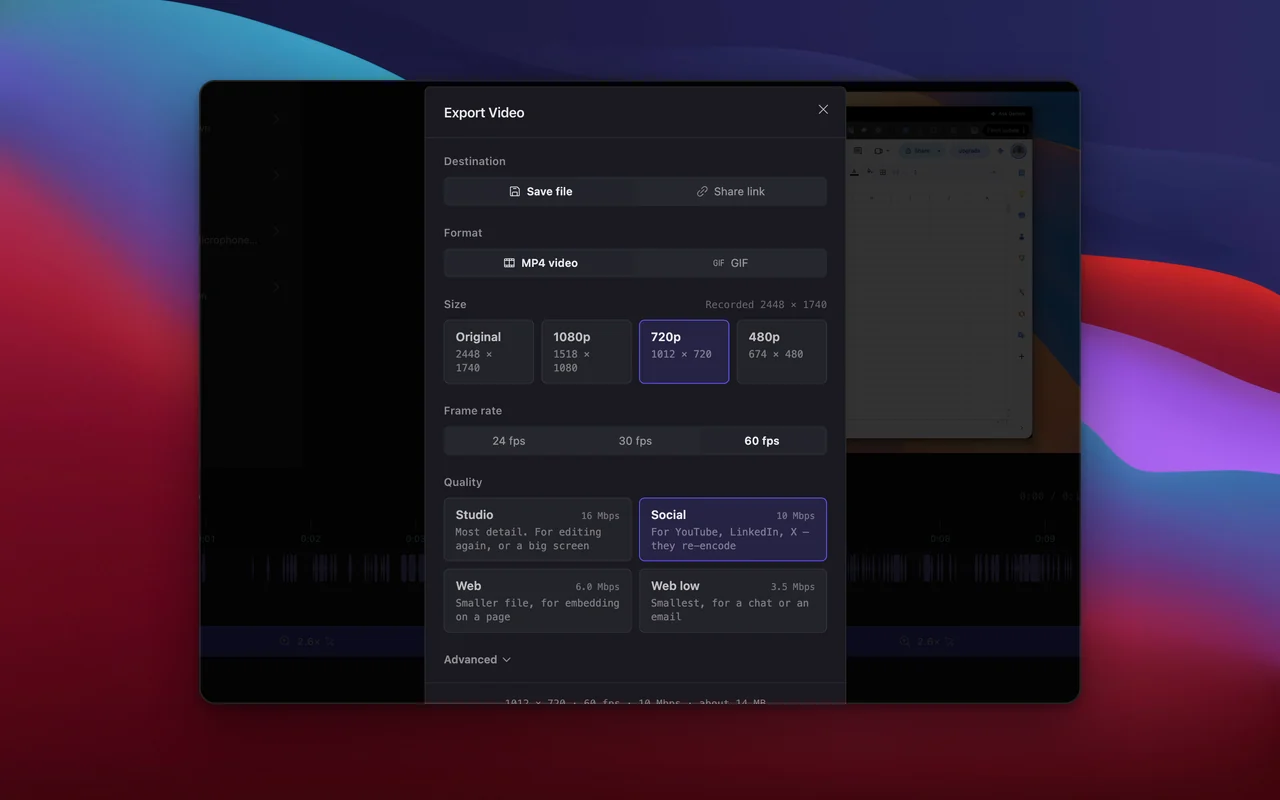
- The screen recording exactly as captured, not re-encoded
- Camera, microphone and system audio as separate files
- A README with how to line the camera up
- Works without a licence
How it works
Export raw files, step by step
- 01
Nothing is baked in
SmoothCut keeps everything you record, untouched, at the resolution you captured. Your zooms, cursor and cuts are stored separately as edits, so the originals are always there to export.
- 02
Every track on its own
You get a folder with the screen recording, your camera if you recorded one, the microphone and the system audio each on their own, and the cursor's path. Multi-clip projects are numbered clip by clip.
- 03
Ready for another editor
A README explains each file and how much to trim off the camera so it lines up with the screen. Bring the folder into DaVinci Resolve, Premiere or Final Cut and carry on from there.
Export raw files: questions
Where is it?
At the bottom of the Export dialog, under Raw files, and in the menu on a recording in your library. SmoothCut asks where to save, then makes a folder named after the recording.
Do I need a licence?
No. Export raw files works on the free version too.
Are my edits applied to these files?
No. None of SmoothCut's edits are applied: you get the original screen, camera and audio exactly as recorded. To get the edited video, export it as usual.
More of what SmoothCut does
- On-device captions On-device captions: SmoothCut turns your voice into word-timed captions with a speech model on your computer. Download it once; it then works offline.
- Auto fix Auto fix reads your recording and plans the edit: silences, filler words, zooms, layout and sound. You read the plan first, and each step is an undoable edit.
- Share links Press Share in SmoothCut and a link is on your clipboard while the video uploads. Viewers comment at a timestamp; add a password, republish or let it expire.
- All features
Record better videos, faster.
Use every feature today, exporting included. One payment opens 4K at 60 fps, share links and a clean export.
macOS and Windows · No account needed